原神的模型可以在模之屋下载:https://www.aplaybox.com/u/680828836/model
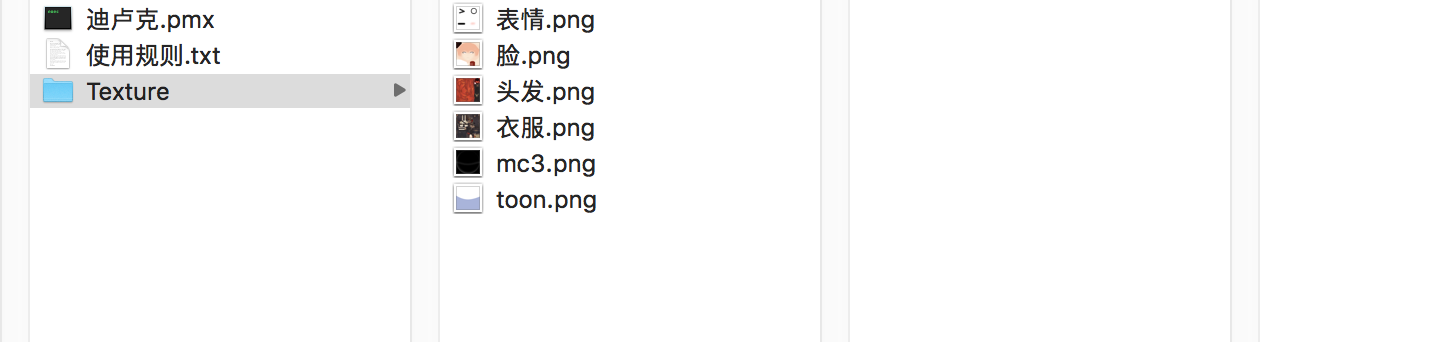
下载下来后,是pmx 格式的
Blender 转换格式
需要把它转为fbx 格式才能导入Unity 中使用。pmx 转fbx 可以通过Blender 来转,cats-blender-plugin 是Blender 的插件,可以实现这个需求
https://github.com/absolute-quantum/cats-blender-plugin 打开后,在这里下载
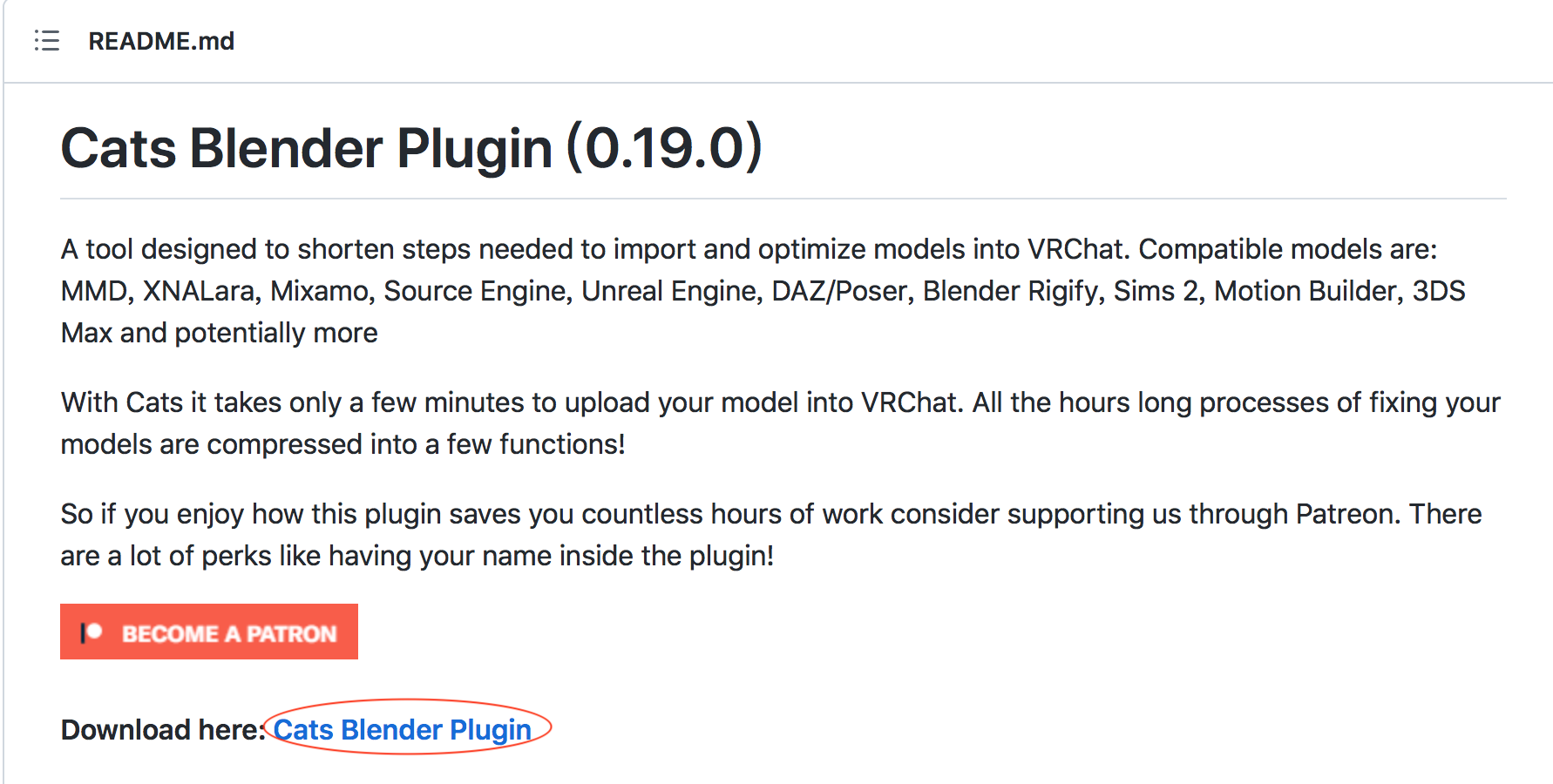
注意,下载错误的版本,在导入的时候可能出现报错!
Traceback (most recent call last):
  File "/Users/xumenger/Library/Application Support/Blender/2.90/scripts/addons/cats-blender-plugin-master/extern_tools/mmd_tools_local/panels/prop_object.py", line 132, in draw
    c.prop(obj.mmd_joint, 'name_j')
AttributeError: 'Object' object has no attribute 'mmd_joint'

location: <unknown location>:-1
经过测试,Blender3.2.1、Blender2.9.0 都支持这个插件!
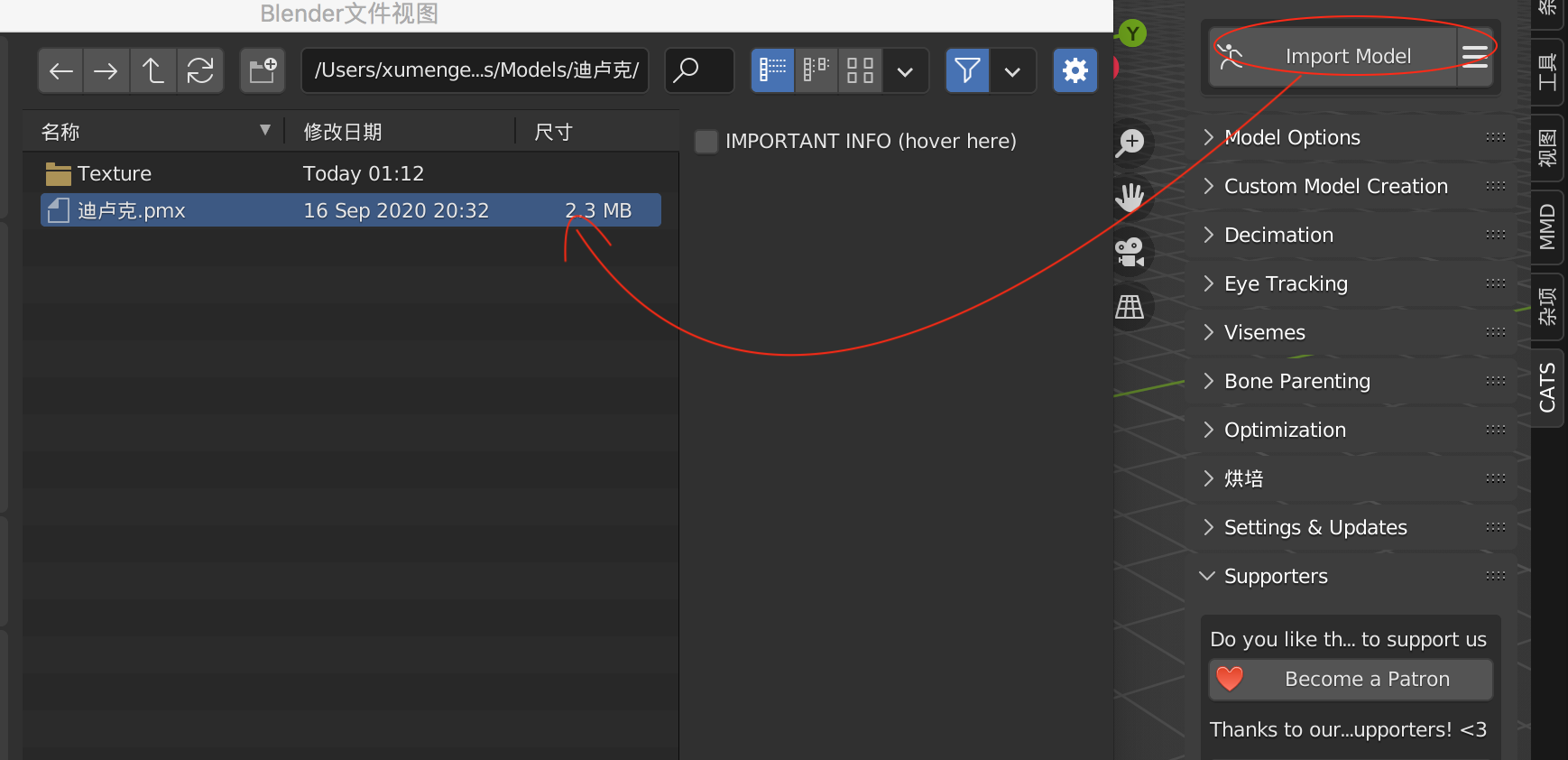
导入插件后,勾选启用插件,可以在主界面导入下载的pmx 模型
导入后的模型是这样的白模(因为材质有问题)
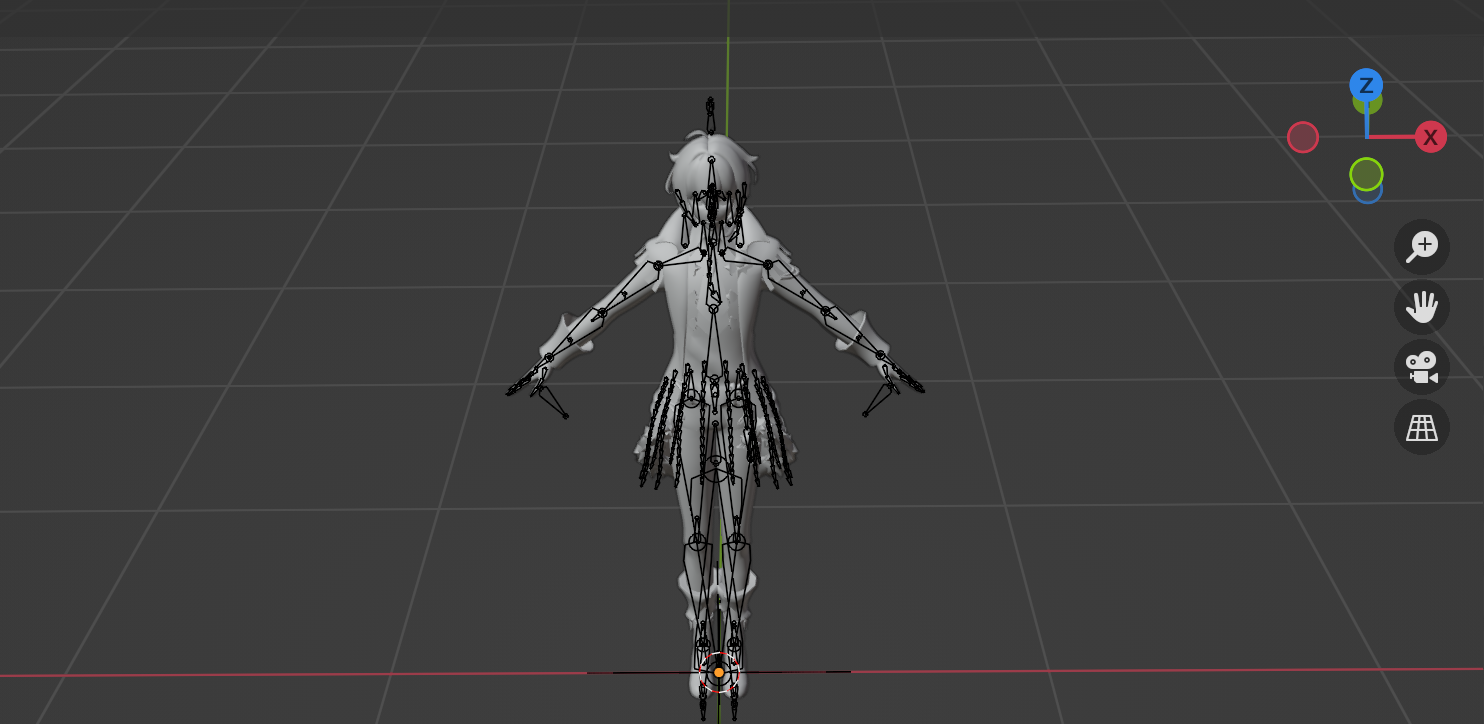
我们打开侧边栏的Misc(杂项),然后点击Shadeless(即使用卡通材质),然后就可以正常显示了
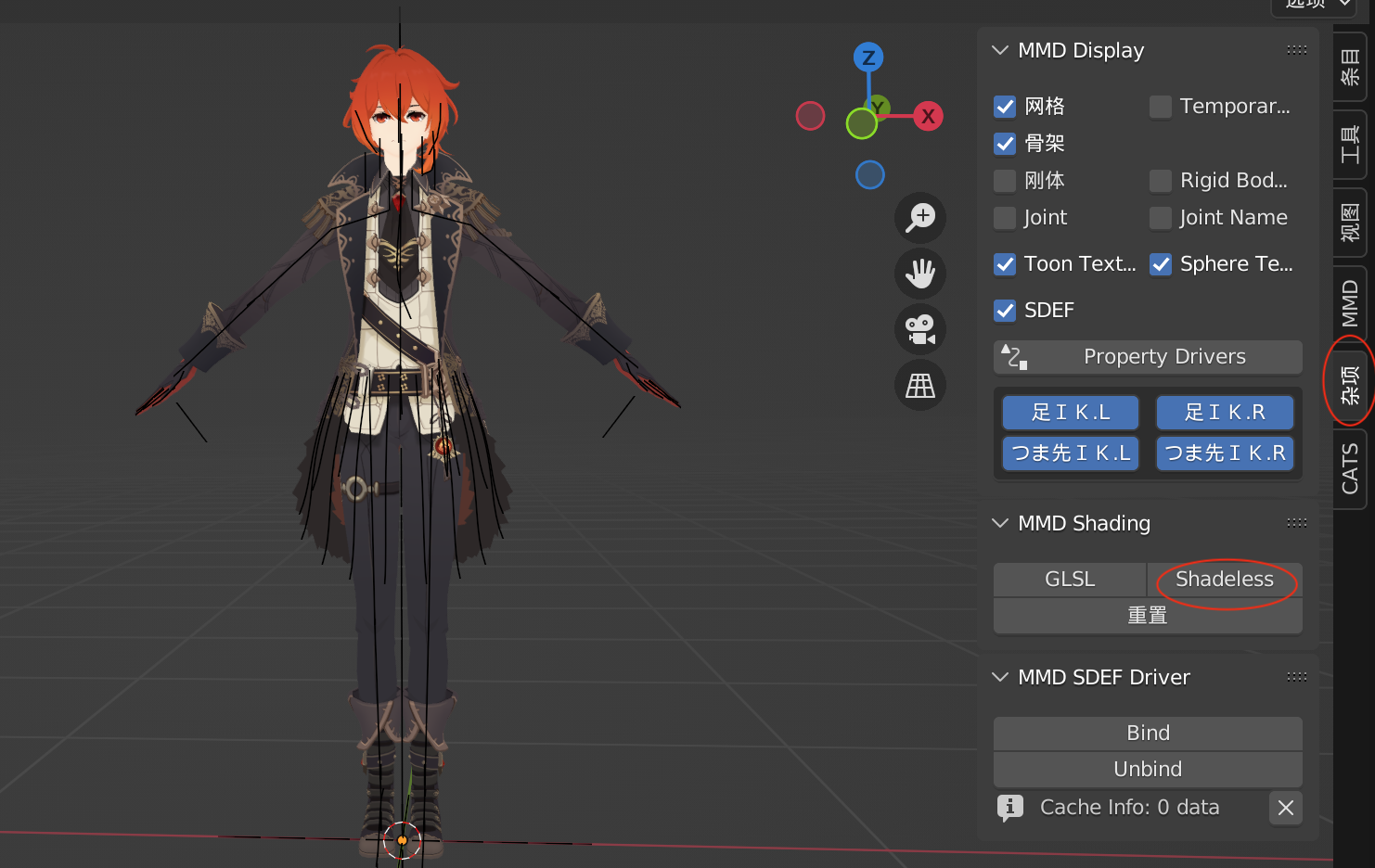
另外,模型的骨骼节点可能都不是按照Unity 骨骼映射的规范进行英文命名的,也需要修复
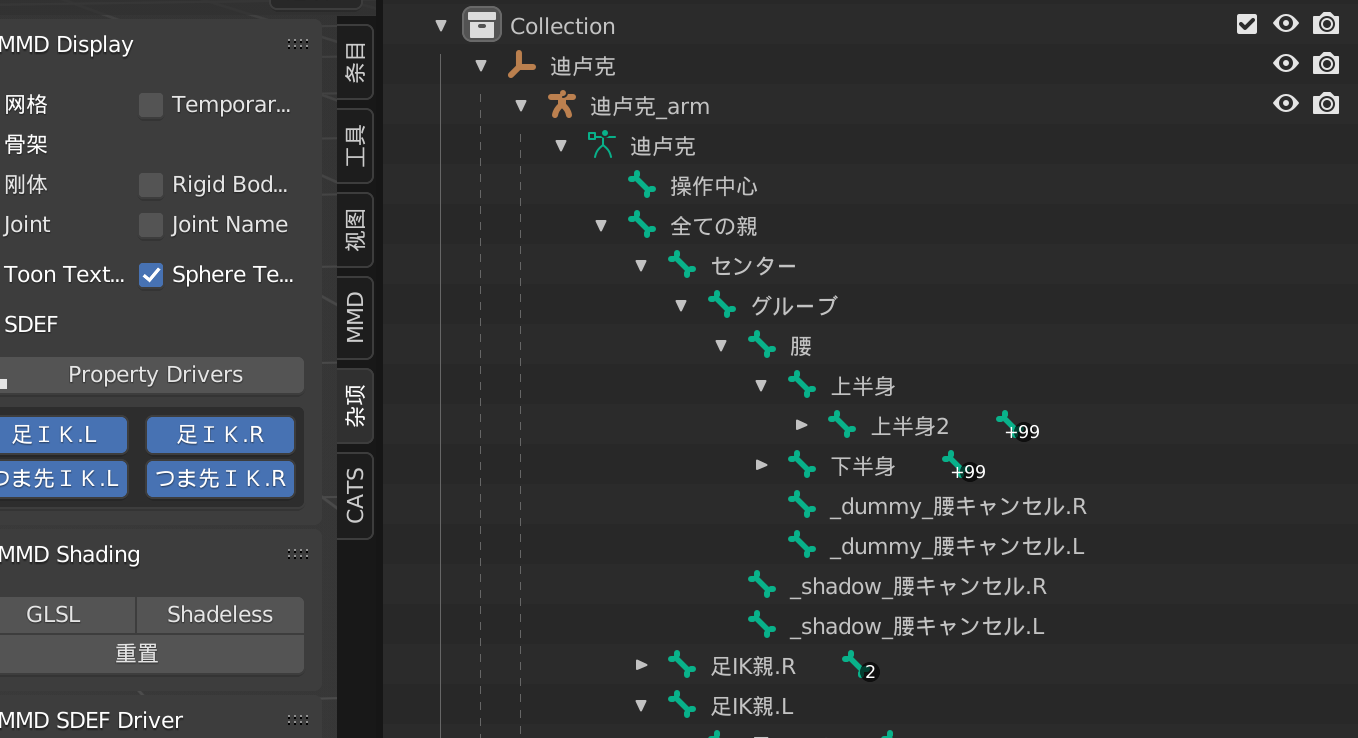
点击CATS插件的Fix Model 按钮,即可自动进行修复,除此之外,它还会帮我们删除多余无用的骨骼,将使用同一张贴图的节点合并为一个Mesh并重命名为Body 等
注意这个步骤需要使用Blender2.9.0,Blender3.2.1 版本下可能报错
Python: Traceback (most recent call last):
  File "/Users/xumenger/Library/Application Support/Blender/3.2/scripts/addons/cats-blender-plugin-master/tools/armature.py", line 1208, in execute
    hierarchy_check_hips = check_hierarchy(False, [
  File "/Users/xumenger/Library/Application Support/Blender/3.2/scripts/addons/cats-blender-plugin-master/tools/armature.py", line 1275, in check_hierarchy
    Common.show_error(6.4, missing2)
  File "/Users/xumenger/Library/Application Support/Blender/3.2/scripts/addons/cats-blender-plugin-master/tools/common.py", line 1652, in show_error
    bpy.ops.cats_common.show_error('INVOKE_DEFAULT')
  File "/Applications/Blender.3.2.1.app/Contents/Resources/3.2/scripts/modules/bpy/ops.py", line 113, in __call__
    ret = _op_call(self.idname_py(), C_dict, kw, C_exec, C_undo)
RuntimeError: 错误: Python: Traceback (most recent call last):
  File "/Users/xumenger/Library/Application Support/Blender/3.2/scripts/addons/cats-blender-plugin-master/tools/common.py", line 1670, in invoke
    return context.window_manager.invoke_props_dialog(self, width=dpi_value * dpi_scale)
TypeError: WindowManager.invoke_props_dialog(): error with keyword argument "width" -  Function.width expected an int type, not float
位置: /Applications/Blender.3.2.1.app/Contents/Resources/3.2/scripts/modules/bpy/ops.py:113
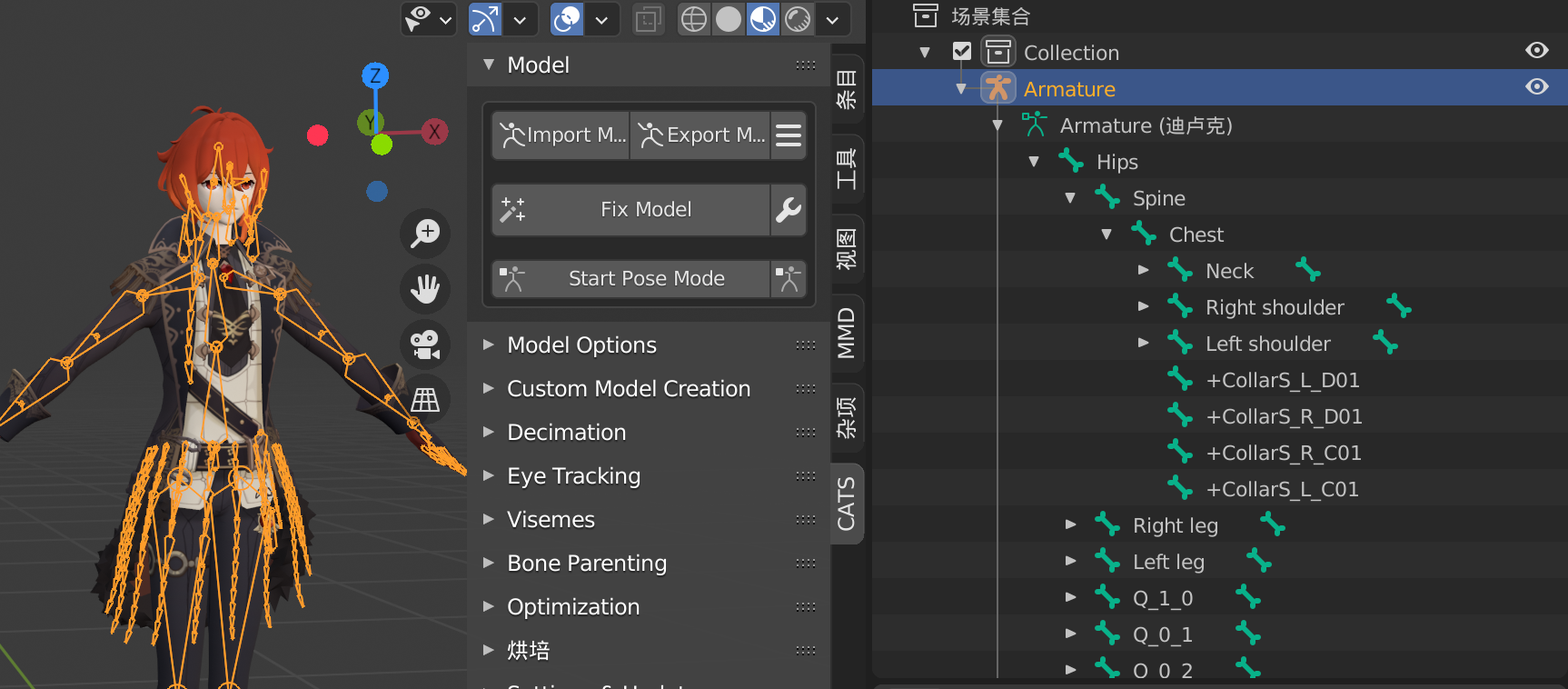
点击CATS 插件的Export Model 按钮,即可导出fbx 文件,建议与原来的pmx 文件相同目录
导入Unity
注意将fbx 格式的文件和贴图文件夹都放到Unity 工程下,然后拖入到某个场景中,可以看到这样的效果,有点像恐怖娃娃,其默认使用Unity URP 内置的材质
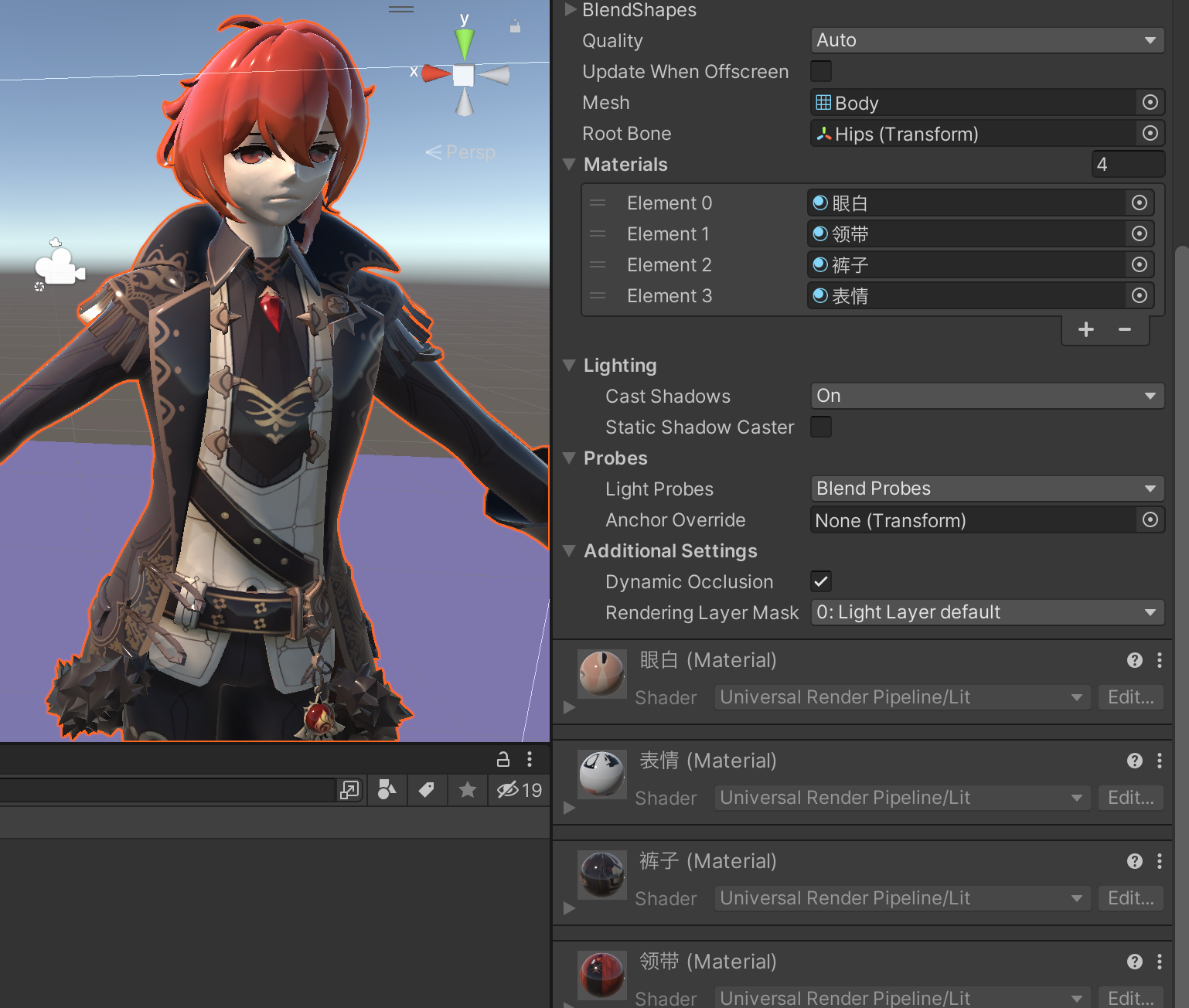
而且材质是嵌在fbx 中的,无法进行编辑,所以需要创建新的材质球替换。下一篇文章讲解如何制作卡通渲染效果!